User Guide
Keyboard & Mouse Controls
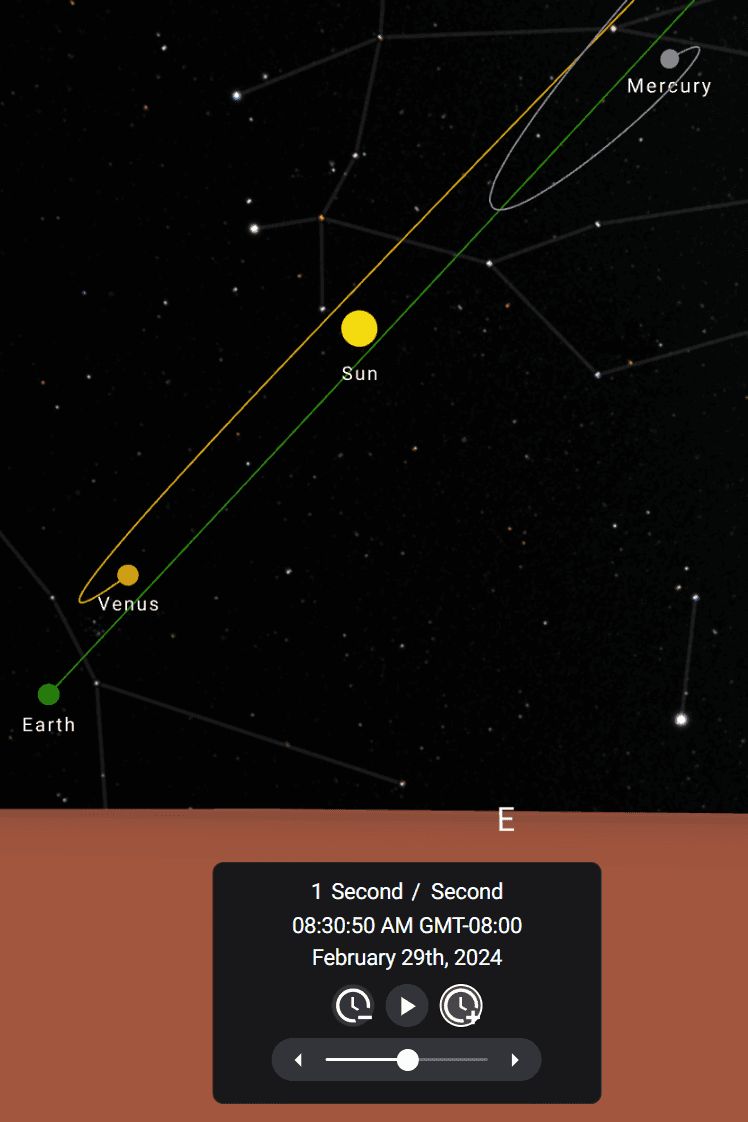
Time Controls
Timescale increment/decrement
-
To increment or decrement the timescale by one, use the arrows to either side of the slider.
-
Alternatively, the left/right arrow keys, or the 4 and 6 keys on the numpad.
Timescale units
- To cycle through the timescale units (Seconds, Minutes, Hours, Days), click the unit on the time panel or use the arrows to either side.
- Alternatively, shift + will decrease the units and shift + will increase the units.
Sidereal Day Advancement
-
The buttons on either side of the Play/Pause button will advance time by +/- 1 sidereal Day.
-
Alternatively, you can use the up/down arrow keys, and , or the 8 and 2 keys on the numpad.
Apparent Retrograde Motion
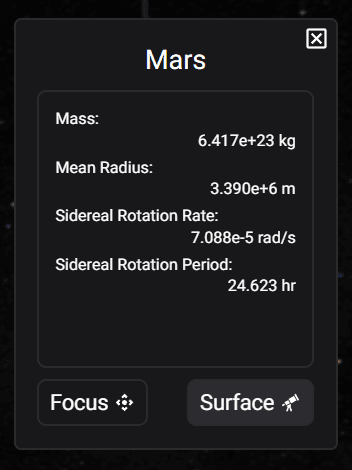
Select a planet in the outliner to the left.

Click the surface button.
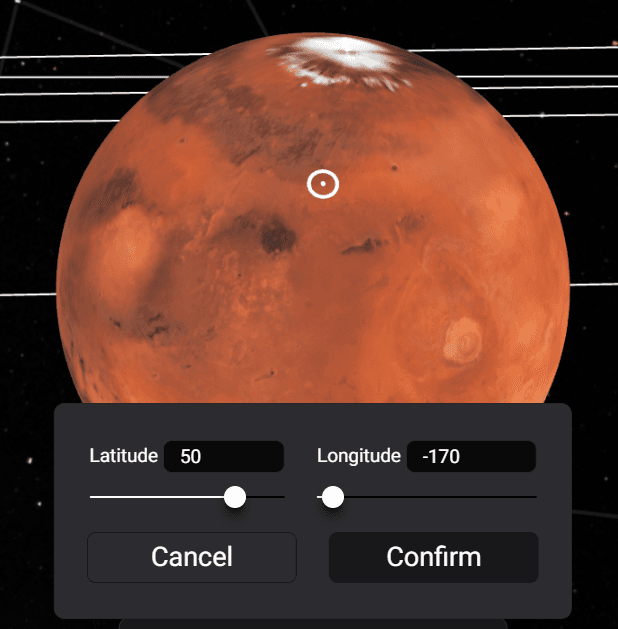
Select a position on the planet and click the confirm button.
The simulation must be paused in order for the trails to show.

Use the buttons to either side of the play/pause button or the keyboard controls to advance time by increments of one sidereal day. Or use the up/down arrow keys, and , or the 8 and 2 keys on the numpad.